Webhooks
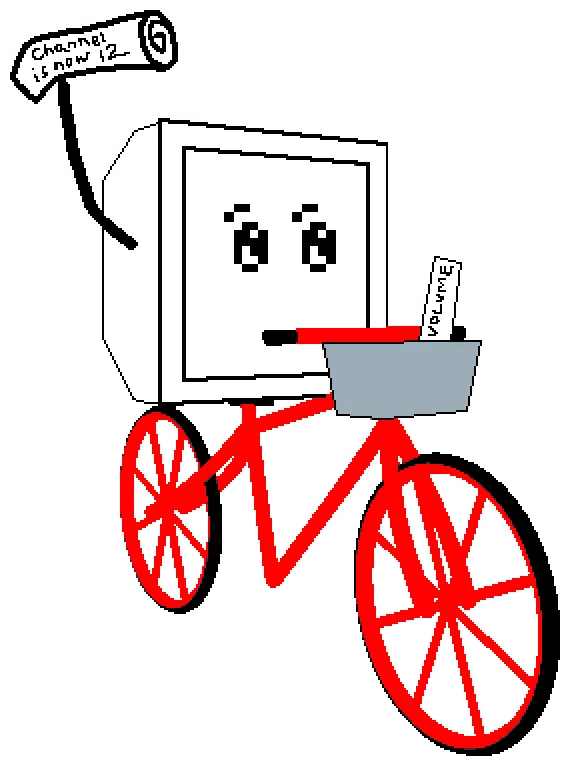
Webhooks allow TVS to send real-time event data to your application or service. Consider this guide by ChrisKewl where he integrates TVS into a real cable box using a Raspberry Pi and a 7-segment display. There is a server running on the Pi that receives the webhook events and updates the 7-segment display accordingly.
All webhook requests are sent by TVS as HTTP GET requests, with values being query parameters in the URL.
This is one-way communication from TVS to your service. Being a static webapp, you can’t send data back this way. (There is a way to send commands to TVS using the remote control API)
All webhooks are optional and live in the webhooks section of your configuration file. The tokens ({channel}, {isManualInput}, {volume}, {isMuting}, etc.) are replaced with the appropriate values when the webhook is called and need to be typed exactly like that (with the brackets) in your URL.
webhooks: channelChange: http://your-server/receive_update?channel={channel}&manual={isManualInput} volumeChange: http://your-server/receive_update?volume={volume} muteChange: http://your-server/receive_update?isMuting={isMuting}channelChange
Section titled “channelChange”Type: string
URL called whenever the channel changes.
Supported tokens:
{channel}: The new channel number. Example:5,12,101.123(subchannels),-1(line input),0(MENU).{isManualInput}:trueif the channel change came from direct/manual channel entry, otherwisefalse.
volumeChange
Section titled “volumeChange”Type: string
URL called whenever the volume changes.
Supported tokens:
{volume}: The updated volume level. Range is 0 to 50 in multiples of 5, so0,5,10, …,45,50
muteChange
Section titled “muteChange”Type: string
URL called whenever mute state changes (mute or unmute).
Supported tokens:
{isMuting}:truewhen muted,falsewhen unmuted.